
Docs
Projects
The organization's programmes — the list, a new project, renaming, deactivation and the project switcher in the header.
A project is a programme or line of work in the organization: at Nordtone, for example, these are “Field activations”, “Loyalty programme” and “Promotions”. Every interaction with a customer is recorded in a project. The Projects section is open to the “Administrator” role only: it is the only role with the “Settings → All settings, users and roles” permission.
What's on the screen
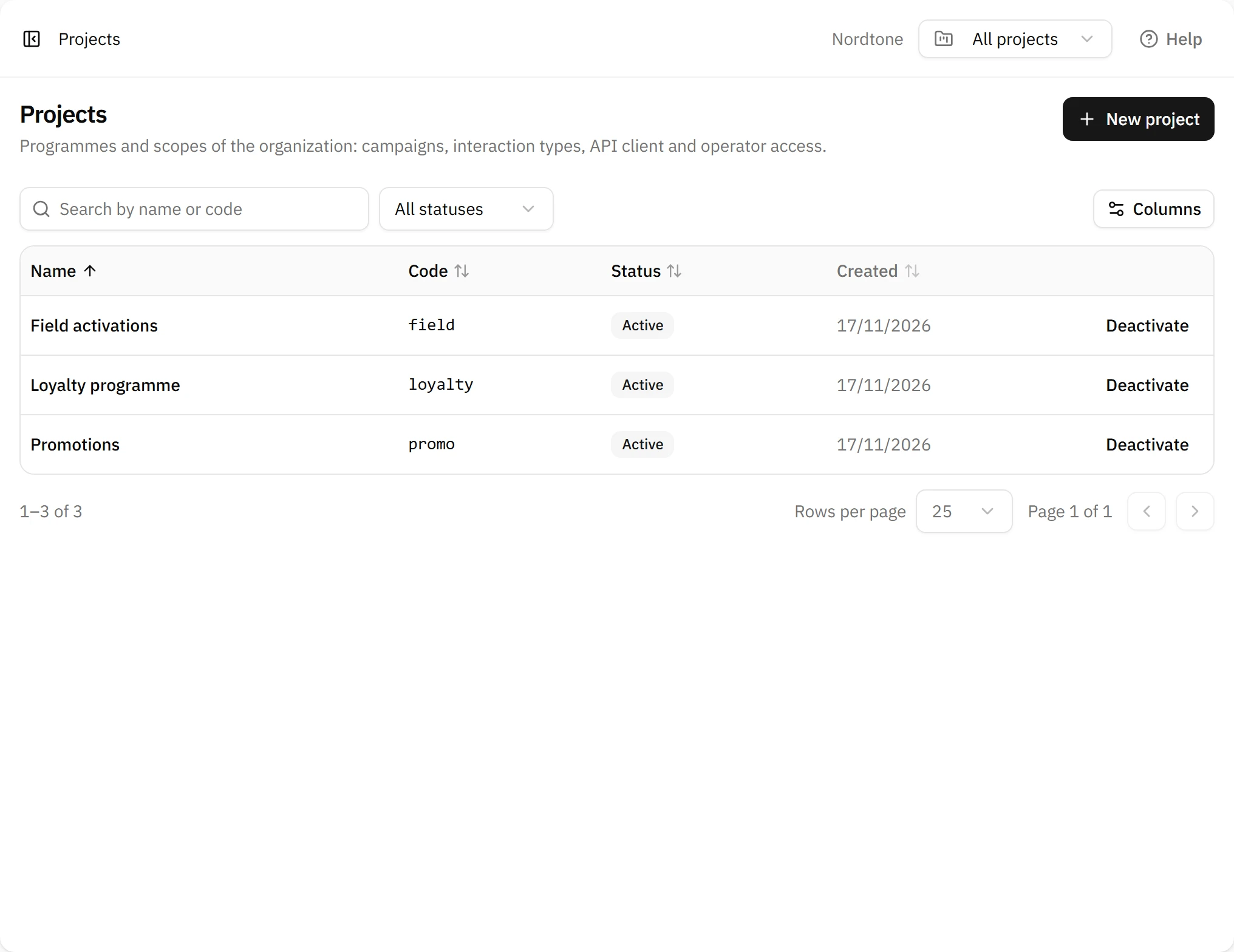
The list columns are name, code, status (Active or Inactive) and creation date. You can sort by any column. The search box looks up name and code, and the filter narrows the list by status. The Columns button hides and shows columns. A row opens the project form, and the button at the end of the row deactivates or activates the project.
What a project limits
Customers, agents and assets belong to the whole organization and have no project. Projects apply to the work done inside a programme:
- interactions — each one is recorded in a single project; a role with the “Assigned projects” scope sees and writes interactions of its own projects only;
- decision tables — a table definition can list the projects where the table may be evaluated; with none selected the table works in every project;
- interaction types — the type settings can list projects; with none selected the type is available in all of them;
- campaigns — a campaign catalog item names at least one project;
- API clients — a client registers interactions only in the projects on its list;
- users — a user whose role has the “Assigned projects” scope gets projects assigned in Users.
The project scope is set on the role: “All projects” or “Assigned projects”.
New project
- Press New project.
- Enter the code: lowercase Latin letters, digits and hyphens, up to 32 characters — for example,
promo-2027. - Enter the name — for example, “Summer promo 2027”.
- Press Create project.
Project form
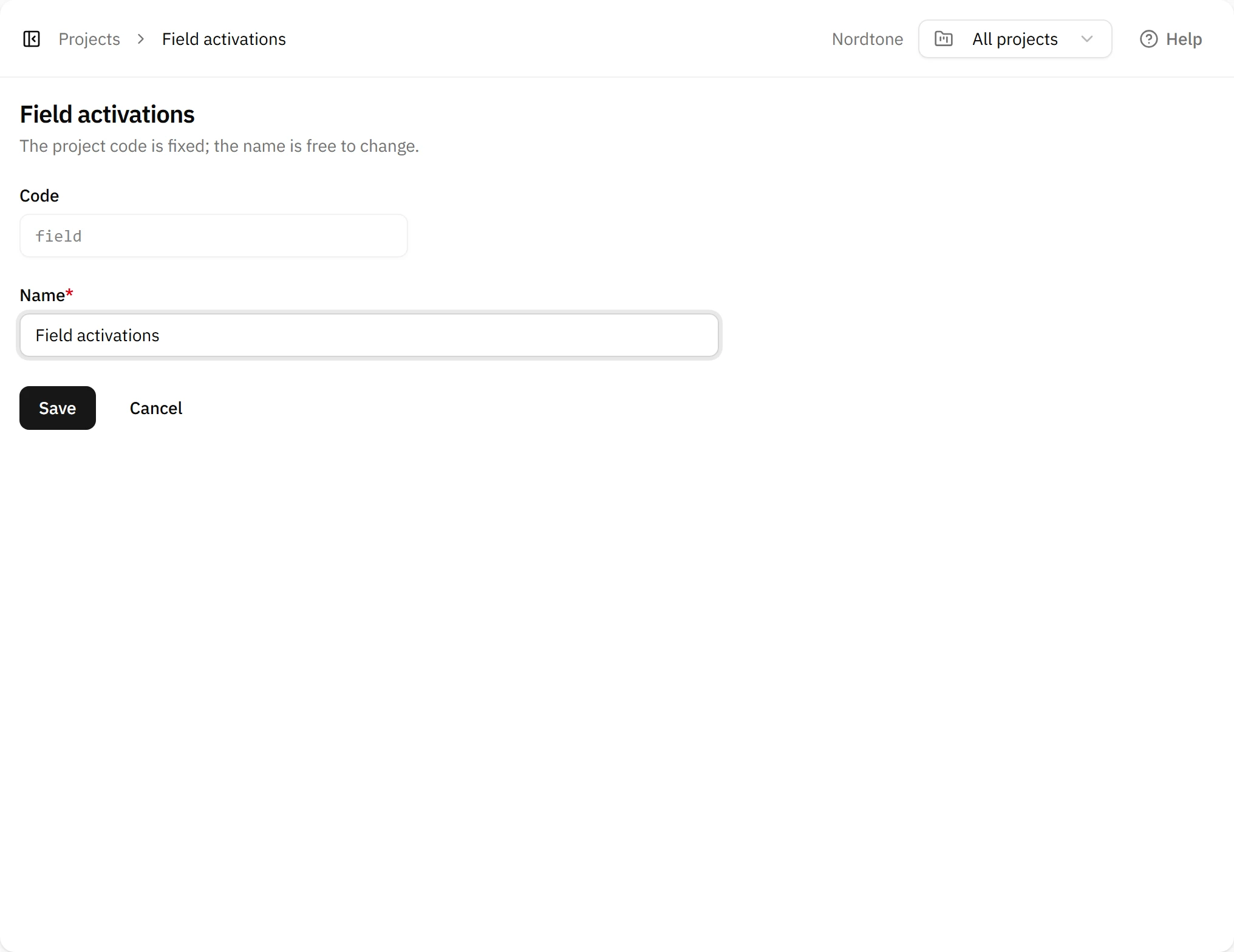
Only the name can be changed in the project form: the code is shown but can't be edited. Change the name and press Save.
Deactivation
A project you no longer need is deactivated: projects can't be deleted. Press Deactivate in the project's row and confirm. After that:
- the project disappears from the header switcher and from assignment forms;
- API requests with this project are rejected;
- the project's data is kept, but its interactions can no longer be voided.
The Activate button in an inactive project's row brings it back at once, without confirmation. User assignments to the project are not lost on deactivation.
Project switcher
The admin header has a project switcher. It lists All projects and the active projects available to your role. The selected project narrows the interaction list and its export, as well as the interactions card on the home page; other sections show data of the whole organization within your role's scope. The choice is kept until the end of the session. If there are no projects, the switcher is hidden.
Projects and the API
Projects are not created or edited through the API. In the API a project is passed by its code in the
project field or parameter: a request with a project the API client doesn't have is rejected. An API client sees
its projects in the GET /me response. Which projects a client may use is set in
API clients.