
One program, through one customer's eyes
Here is what a campaign looks like for one participant. Each step shows what happened and which of your settings decided it.
Sign-up
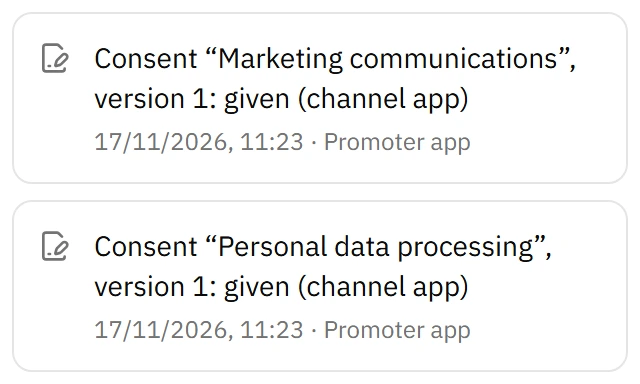
Anna enters her details and consents to their processing — the consent is stored together with the version of its text.
| Field | Type | Required |
|---|---|---|
| Full name | String | yes |
| Phone | Phone | yes |
| City | Catalog item | — |
You configure: profile fields, required consents and their wording
Purchase
Her phone is verified with a code sent by SMS or WhatsApp — the sale is recorded to Anna.
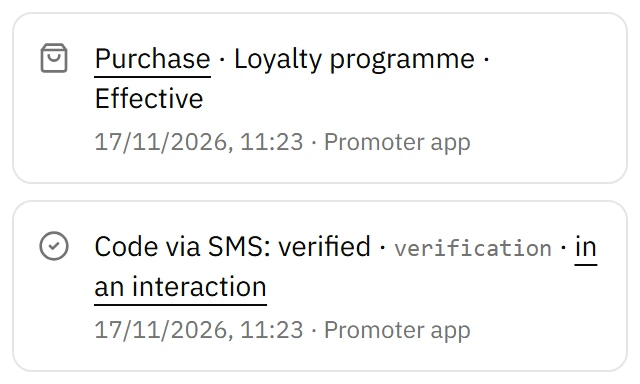
You configure: interaction types, phone verification and how fresh it must be
Gift
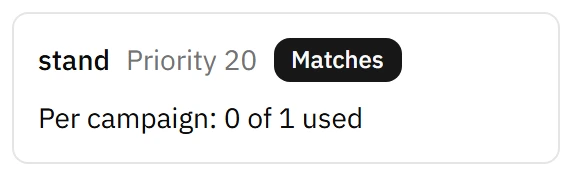
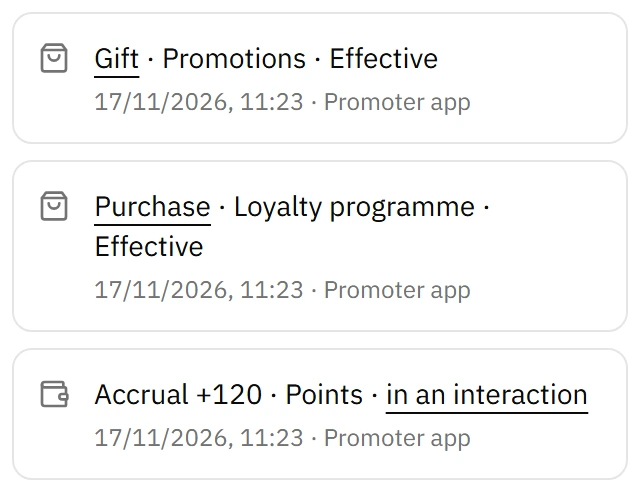
Anna can receive a gift — her first in this campaign. 120 points are added.
| Campaign | Gift | Age | Per campaign |
|---|---|---|---|
| any | Branded tote bag | — | 1 |
| any | Headphone stand | 18–120 | 1 |
| Campaign | Points |
|---|---|
| any | 120 |
You configure: who gets what and how many times — as rows in a condition table; how many points for what
Another try
A second gift in the same campaign is refused: the “1 per campaign” limit is used up. The promoter sees the reason right away. A second gift never goes to the same person.
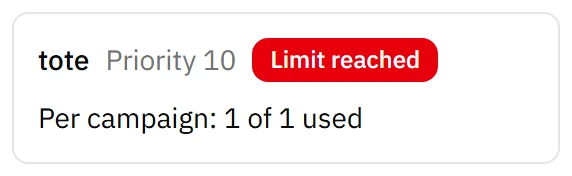
You configure: per-customer limits — per campaign, per day, all-time
Label
A rule labels Anna automatically based on her history — “Gift received”. Your systems subscribed to events are notified.
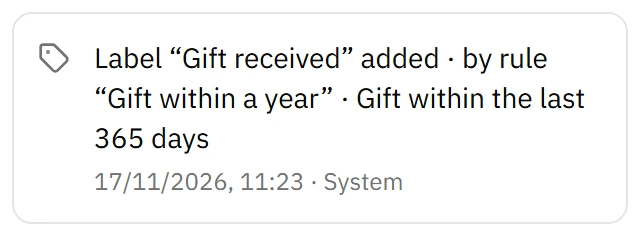
You configure: rules, label conditions and how long labels last
All of this is program settings. Change a condition, check it on a test customer, and go live. No tickets for developers, no waiting.
Request a demo