
Docs
Home
The organization's start page — a summary of customers, interactions, verifications, API errors and webhook failures.
Home opens right after you log in and comes first in the menu. Every role can see it. It shows a summary of the organization as cards, and each card leads to the section with the rows behind its number.
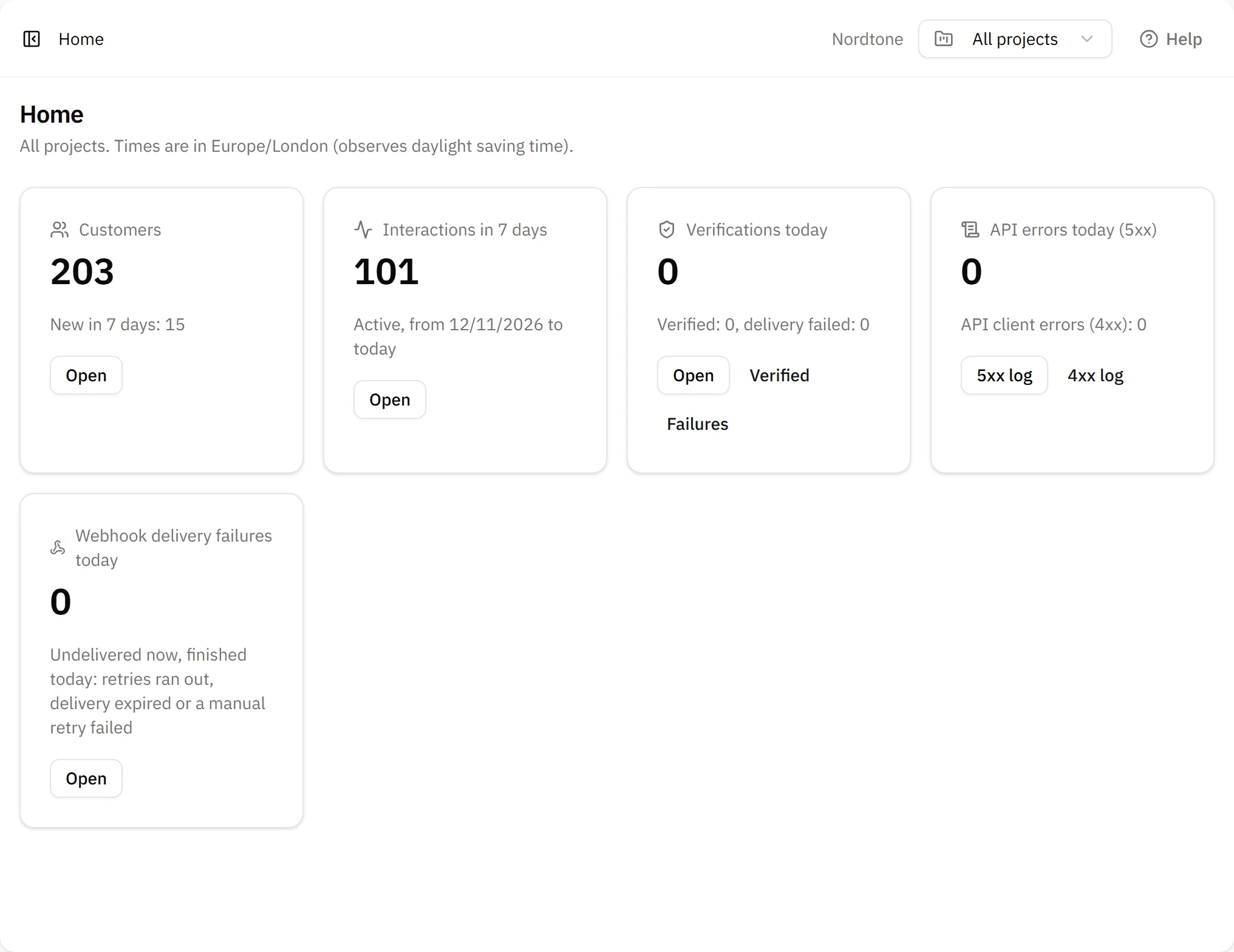
What's on the screen
A card has a title, a number, a hint below it and buttons to go further. Which cards you see depends on your role's permissions: a card for a section your role can't access isn't shown.
| Card | What it counts | Role permission |
|---|---|---|
| Customers | all customers of the organization; the hint shows new ones in 7 days | “Customers → View” |
| Interactions in 7 days | active interactions today and over the six previous days | “Interactions → View” |
| Verifications today | code checks today; the hint shows verified ones and delivery failures | “Customers → View” |
| API errors today (5xx) | server errors in the API log today; the hint shows 4xx client errors | “API log → View” |
| Webhook delivery failures today | webhook deliveries that finally failed today | “Settings → All settings, users and roles” |
Period and time zone
“Today” and “in 7 days” are days in the organization's time zone, shown under the page title. Voided interactions aren't counted — only active ones are.
The numbers are counted each time you open the page. Reload it to see fresh ones.
Project
The project switcher in the header narrows only the interactions card: the line under the title says which project it counts. The other cards cover the whole organization. If your role can't see every project, interactions and verifications are counted only for the projects it can see.
Where the buttons lead
The buttons open lists with the same period and filters as the card, so the number in the list matches the card.
- Customers — Open leads to the customer list.
- Interactions — Open leads to the interaction list: active ones in 7 days.
- Verifications — Open shows today's verifications, and the links Verified and Failures show only verified ones or only delivery failures.
- API errors — 5xx log and 4xx log open today's API log filtered by error kind.
- Webhook failures — Open leads to the delivery log in Webhooks: failed deliveries finished today. You can retry them by hand there.